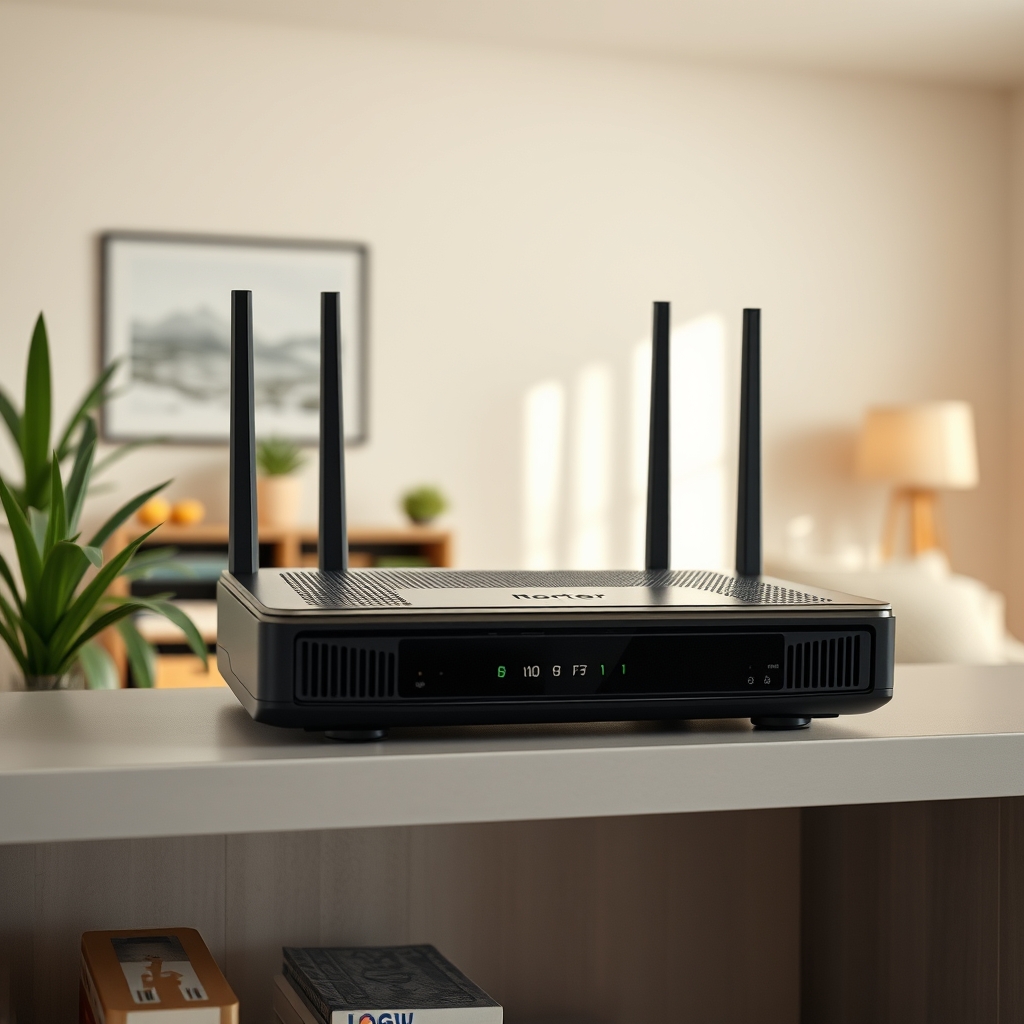
This check uses a phone, a few walks through the home and a clear record of where the signal actually fails.
Map the Weak Rooms
Walk from the router to each room and note the signal bars and whether video calls hold steady. Test at the places you actually use devices, not only in the doorway.
Do the same check at different times. Neighbouring networks and household appliances can change the picture during the evening.
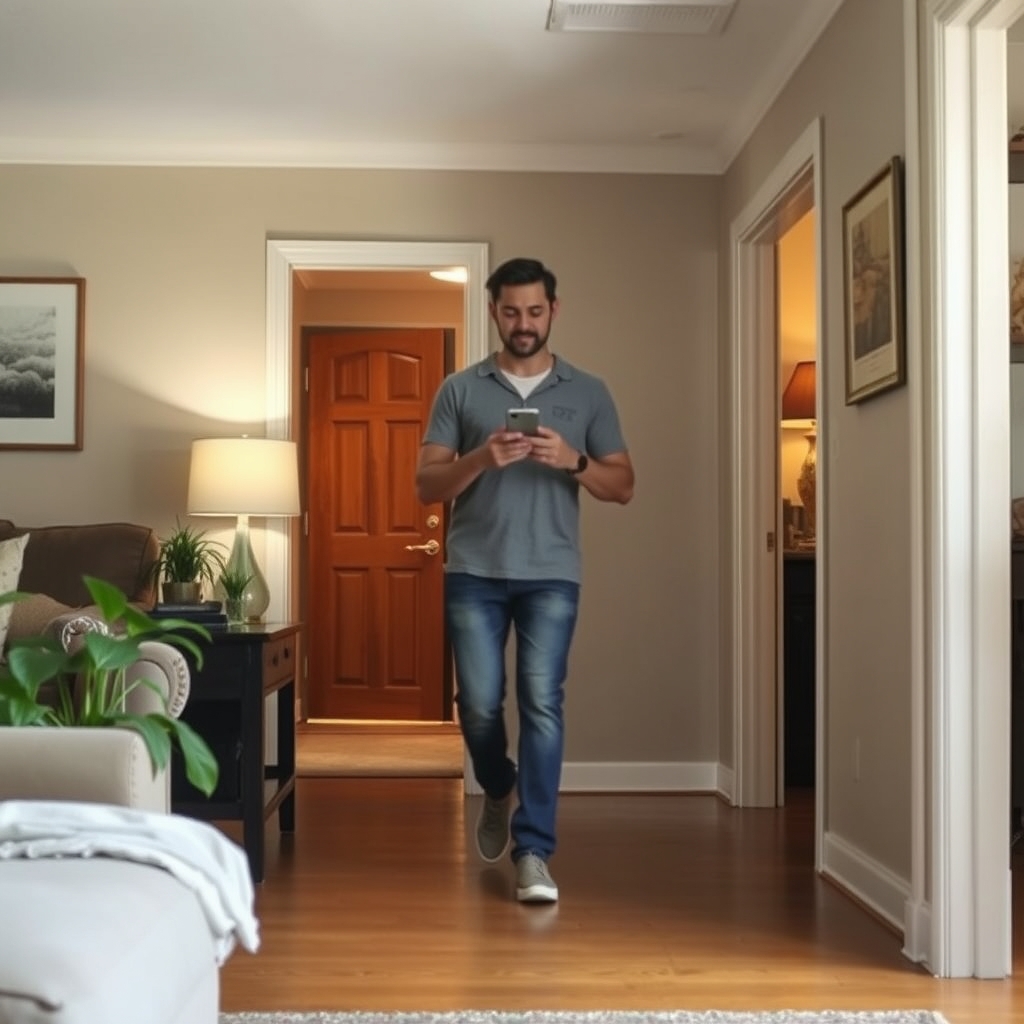
Move the Router First
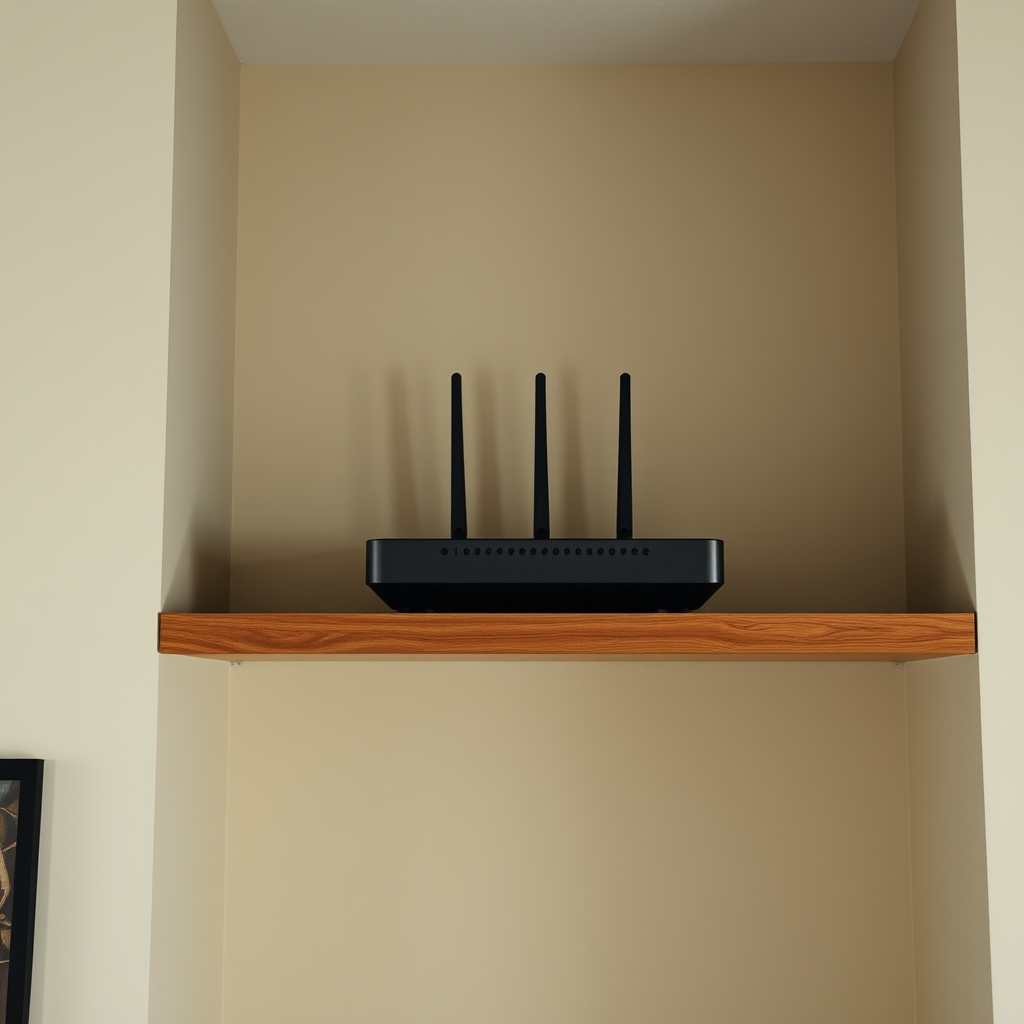
A central, elevated position with clear space around it often helps more than an expensive upgrade. Avoid cupboards, thick brick walls and the area behind a television.
Small changes are worth testing one at a time. Move the router, walk the same route again and compare notes before trying another fix.
Understand Bands and Channels
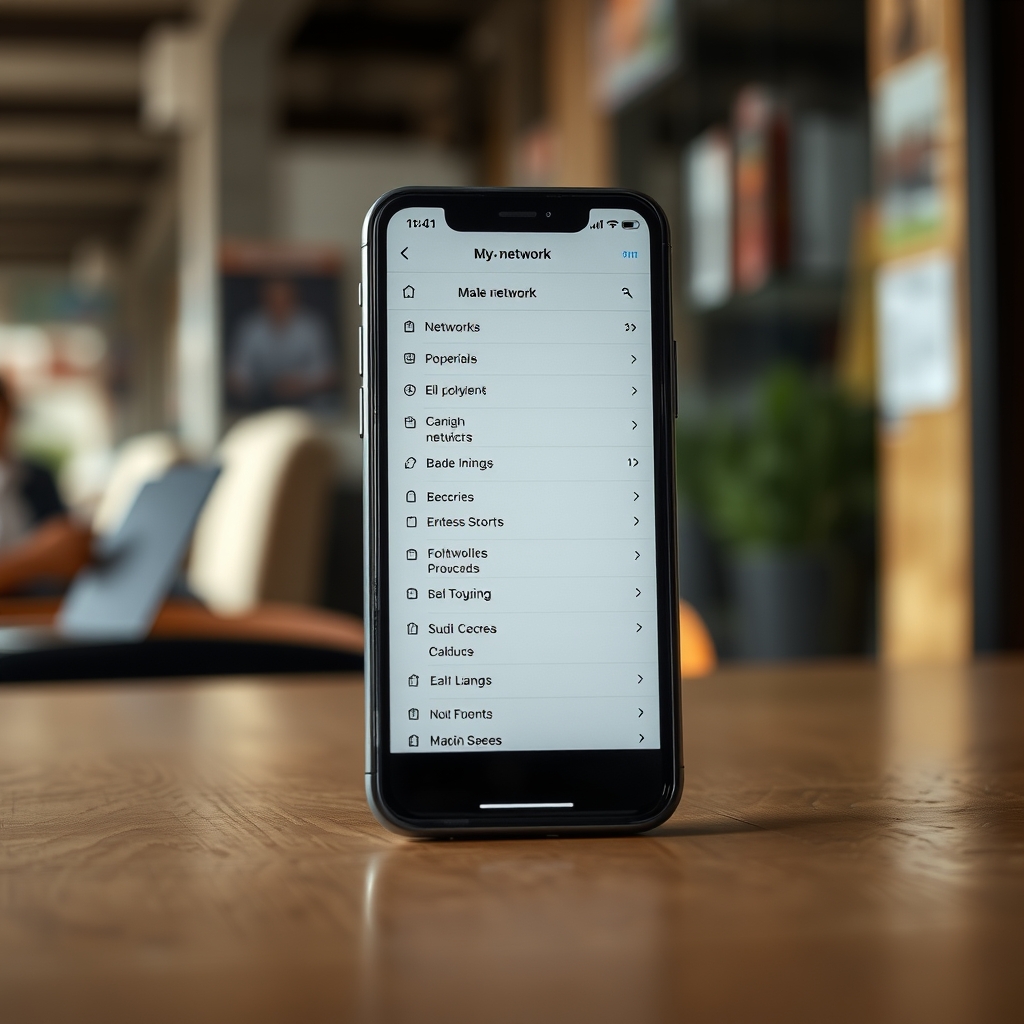
A 2.4 GHz band reaches farther but is more crowded; a 5 GHz band is faster at short range. Devices choose differently, so keep both active when possible.
Automatic channel selection is fine for most homes. Manual channels help only after you have measured interference instead of guessing.
Decide If You Need More Hardware
If one or two rooms remain weak after placement changes, a mesh node or wired access point may be the right answer. Choose based on the rooms that fail, not the size of the package.
A wired backhaul is more stable where cabling is practical. For older homes, a carefully placed mesh node can still make a noticeable difference.
Measure the rooms before replacing the router.
Gadget battery testingPassword manager setupWeb and network documentation